 Tap Shield
Touch blocker for videos
Stray taps happen. The video plays on.
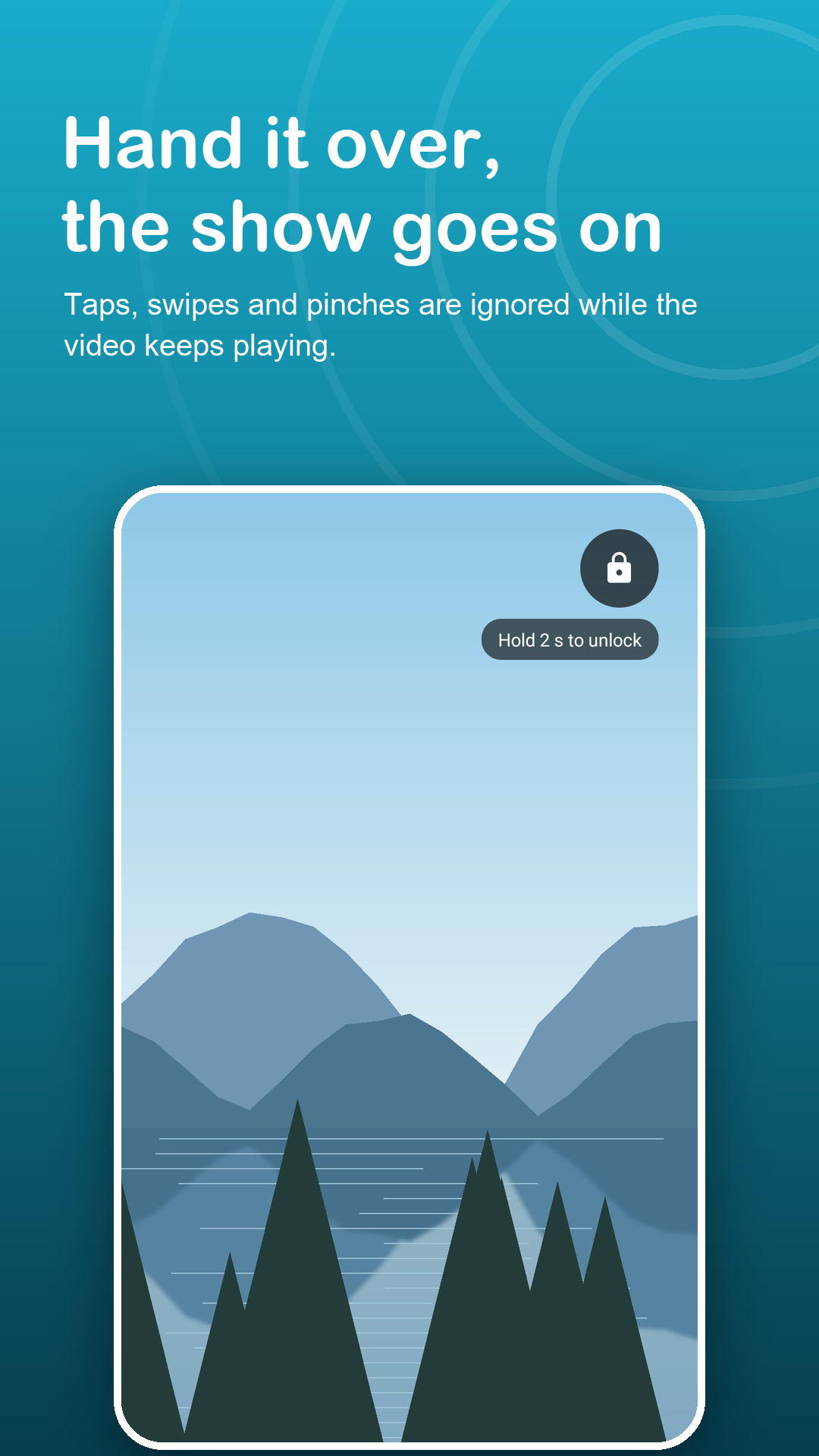
Tap Shield lays an invisible shield over the app on screen. The video keeps playing and the screen stays awake, while pokes, swipes and pinches from palms, sleeves and wet fingers go nowhere.
Free with ads · Android 7.0+ · no accessibility service
Screenshots
A calm screen, whatever touches it.
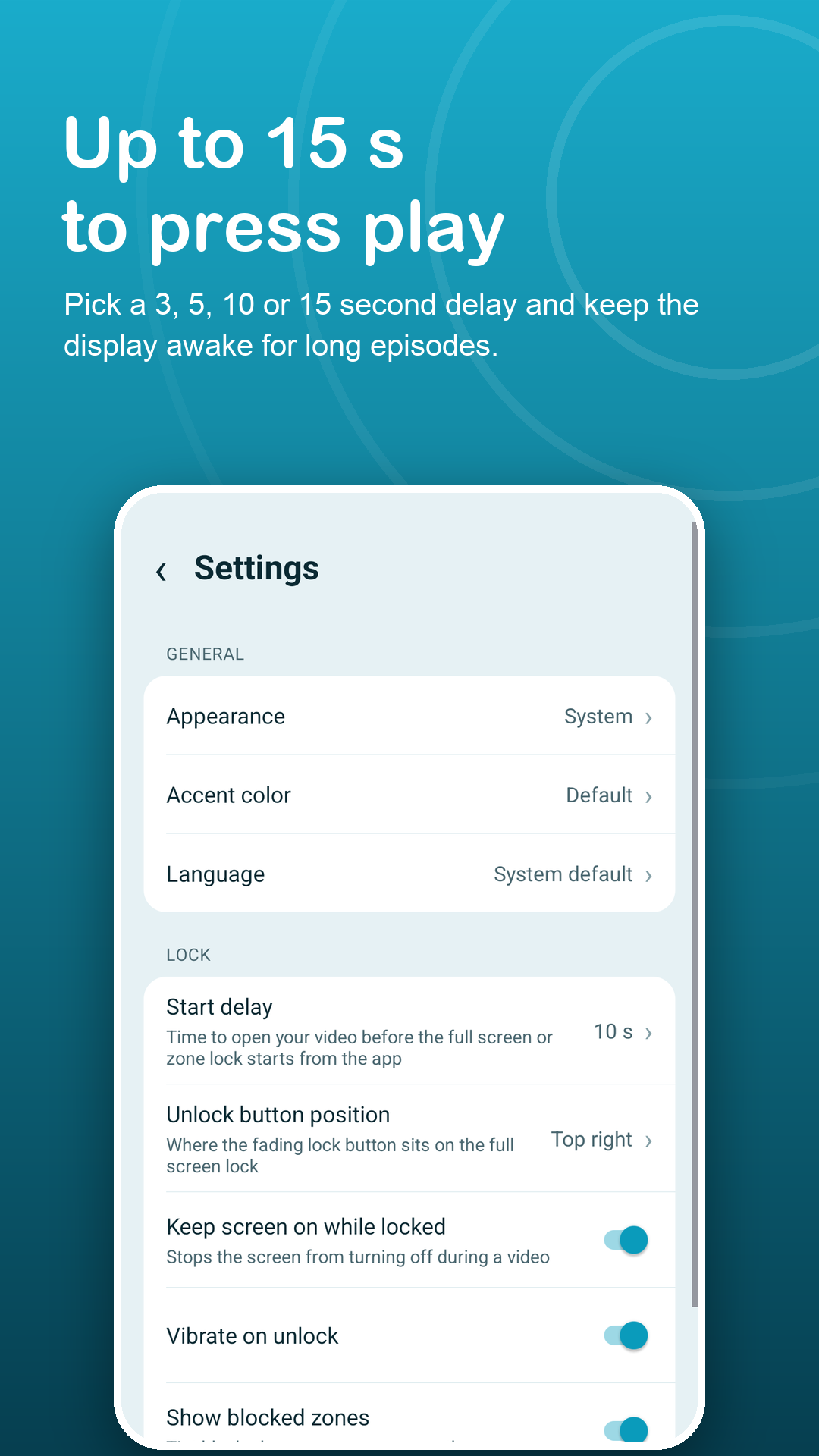
How it works
Ready before the opening credits end.
Allow display over other apps
That single permission lets Tap Shield place its see-through layer. The setup check also shows how to stop battery savers from closing it.
Tap Lock, then start the video
Pick a start delay of 3 to 15 seconds, open the video, press play and settle in.
Hold 2 seconds to take it back
Only a steady 2-second hold on the small lock button removes the shield. Quick pokes and a second finger are ignored.
Features
Designed around stray touches.
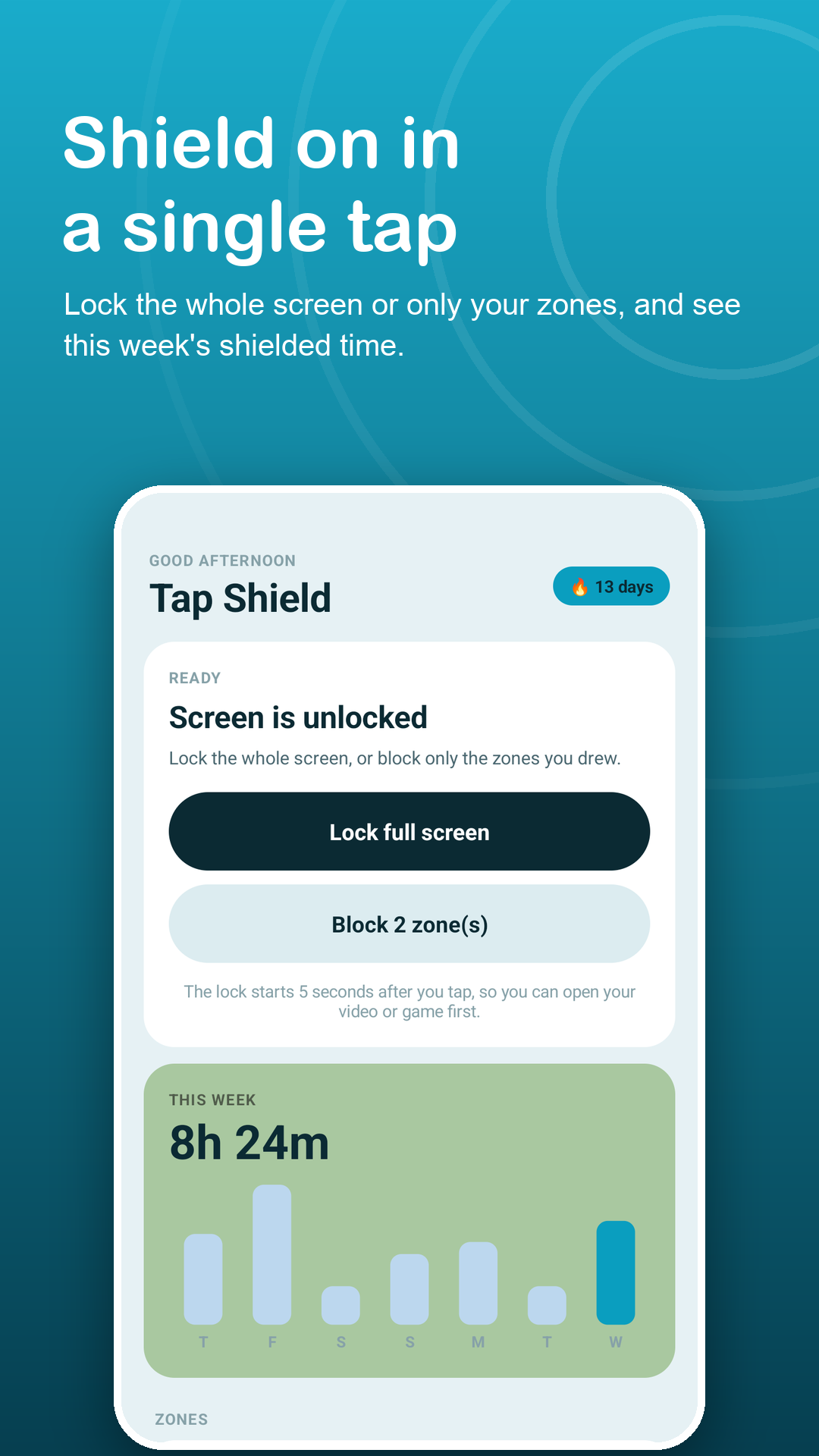
Full screen shield
Every tap, swipe and pinch is ignored while the picture keeps moving. The display stays awake during long episodes.
A button that hides
The unlock button fades after a few seconds so it does not distract from the video, and you choose its corner.
Shield only some buttons
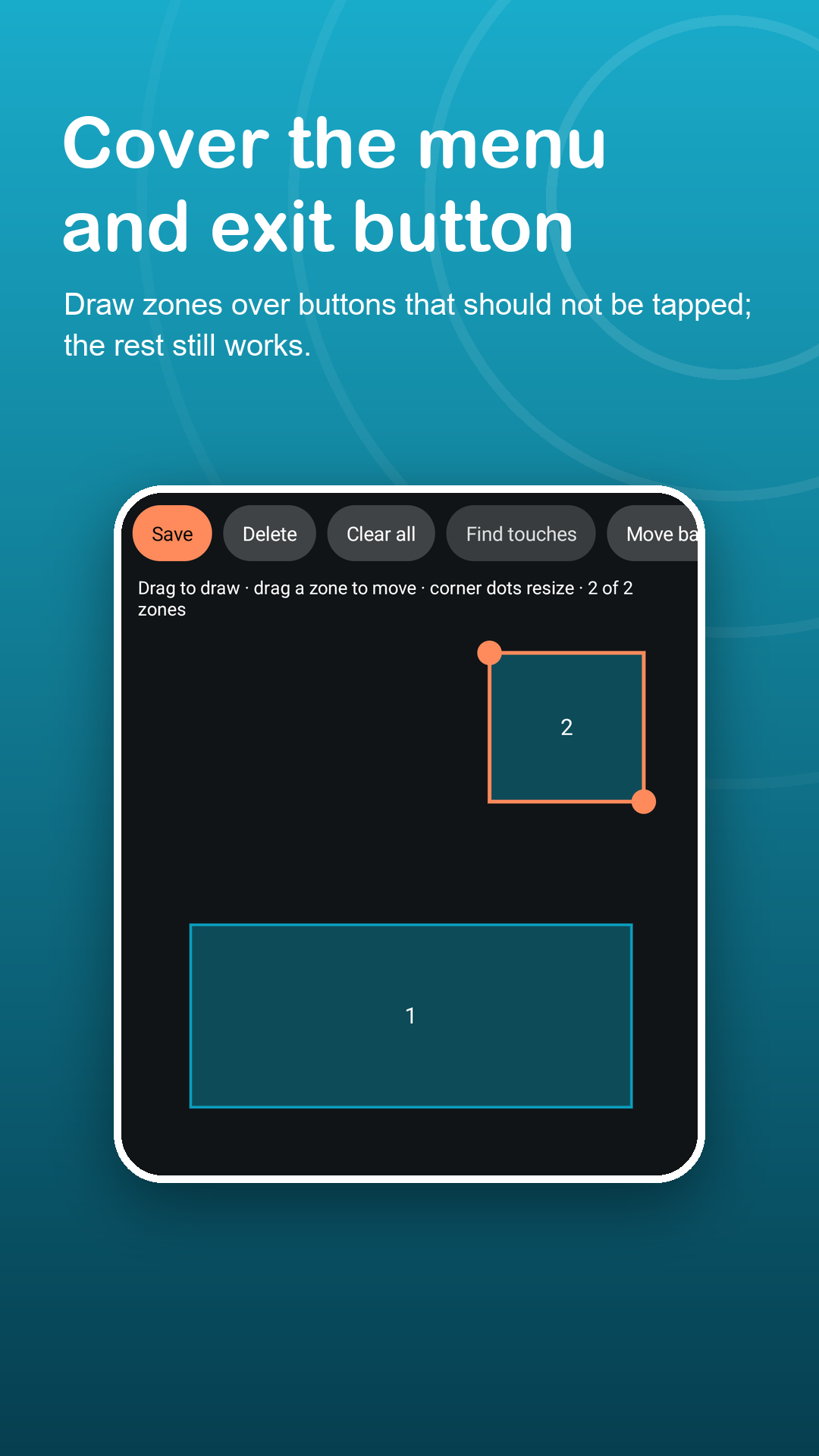
Draw zones over an app's menu or exit button and leave the rest usable. Zones keep their place when the phone turns.
Quick on and off
A Quick Settings tile plus an Unlock button in the notification, so you never hunt for the app.
Shield streaks
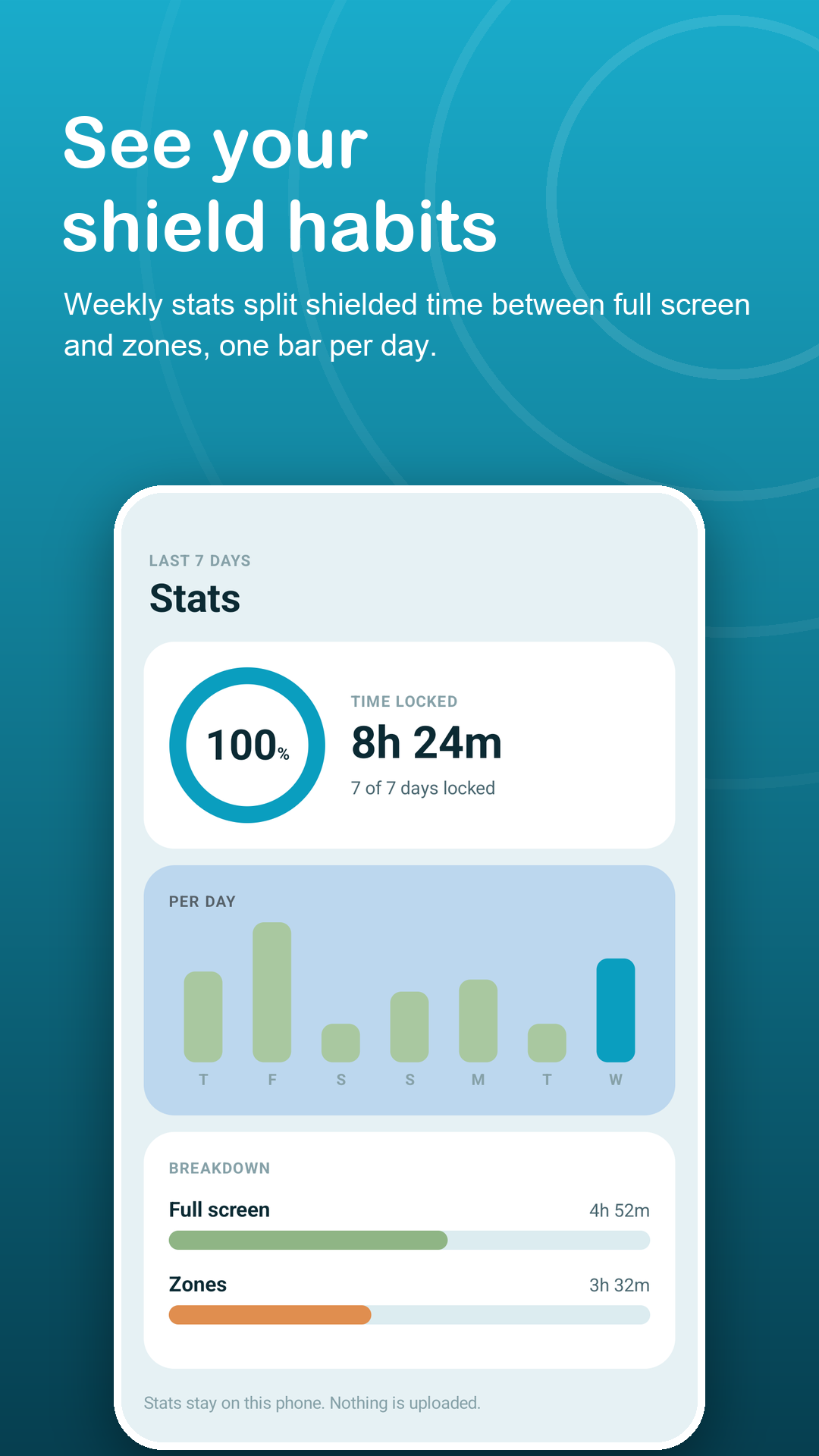
Today, Stats and Calendar show how often you used the shield, with milestone badges. All worked out on the phone.
Pairs with screen pinning
Android keeps the status bar and hardware keys above every app. A step-by-step guide shows how to pin the video app too.
Privacy
It blocks taps. It reads nothing.
Tap Shield only places a layer that ignores touches. It does not read the screen or what you type, and it uses no accessibility service. Zones, settings, lock history and your PIN stay on your phone; the PIN is stored only as a salted hash. Read the privacy policy.
FAQ
Fair questions.
Will the video keep playing?
Yes. The shield is a see-through layer over the video app, so the picture and sound continue and the screen stays on while touches are ignored.
Can it be unlocked by accident?
It takes a steady 2-second hold on a small, faded button. Single taps, a resting palm or a second finger do not unlock it. With Premium you can also require a PIN after the hold.
Can a stray touch still leave the video?
On newer Android versions the status bar, gesture navigation and the power and volume buttons may still respond, because Android keeps them above every app. Follow the built-in screen pinning guide, pin the video app, then turn on the shield.
Is it a parental control app?
No. Tap Shield simply ignores touches. It does not filter content, limit screen time or monitor anything.
Does it use the Accessibility API?
No. It needs Display over other apps, plus the notification permission on Android 13 and newer for the Unlock button.
What does Premium add?
Up to 12 zones instead of 2, several saved zone layouts, an auto-unlock timer from 5 to 120 minutes, a PIN after the unlock hold, and no ads. Monthly, yearly or a one-time lifetime purchase.